Design inspiration strikes in unexpected ways. Sometimes you need a versatile springboard idea that works for absolutely any framing project rather than just the specific samples displayed on our gallery wall.
Welcome to the incredible power of unconnected lines. Here at The Picture Framing Group (also known locally throughout Chicagoland as The Frame Shop), our dedicated team of expert framers constantly seeks out innovative techniques to elevate your custom framing projects. In a highly regarded feature by industry expert Brian Wolf, we are reminded that mat designs do not always have to rely on traditional closed shapes like squares or ovals. By using simple and unconnected line segments within a computerized mat cutter drawing program, a professional picture framer can create highly sophisticated looks featuring custom V-Grooves, intricate pen work, and elegant debossing.
Whether we are framing a priceless piece of fine art or a cherished family photograph for our Chicagoland clients, our custom framing experts utilize these precise linear techniques to add subtle yet striking visual interest. These methods allow our design team to customize the presentation to fit the exact era, style, and mood of the artwork. Our local framing experts understand that the matboard serves two distinct purposes: protecting the delicate artwork and enhancing its overall visual appeal. Here are four specific ways we get creative with just a few carefully placed lines to transform a standard matboard into a museum quality custom masterpiece.
The Retro V-Groove
You can create highly complex visual designs reminiscent of a retro film reel or classic geometric patterns by utilizing simple angled lines on your matboard. This technique is exceptionally versatile and brings an unexpected architectural element to the overall frame design.
- The Trick: Our master framers draw precise line segments in our advanced cutting software and set the computerized machine to cut them specifically as shallow grooves rather than full openings.
- The Result: This technique creates the compelling illusion of a long and narrow opening on the face of the mat without actually cutting entirely through the core material. It adds tangible depth and a tailored feel to the finished custom frame.
- The Application: This subtle detail draws the viewer’s eye directly inward toward the artwork. This visual pull makes it an excellent choice for vintage photographs, architectural blueprints, or modern abstract prints where standard flat matting might feel too heavy or conventional for the space.
Debossing That Actually Pops
Historically, some traditional framers avoid debossing entirely. Debossing is the delicate process of pressing lines into the surface of the matboard to create an indented texture. Many framers shy away from this because the final result can look far too subtle or subliminal to make a meaningful aesthetic impact. At The Frame Shop, our team employs a highly specific method to ensure this elegant technique is distinctly visible and adds genuine value to your fine art presentation.
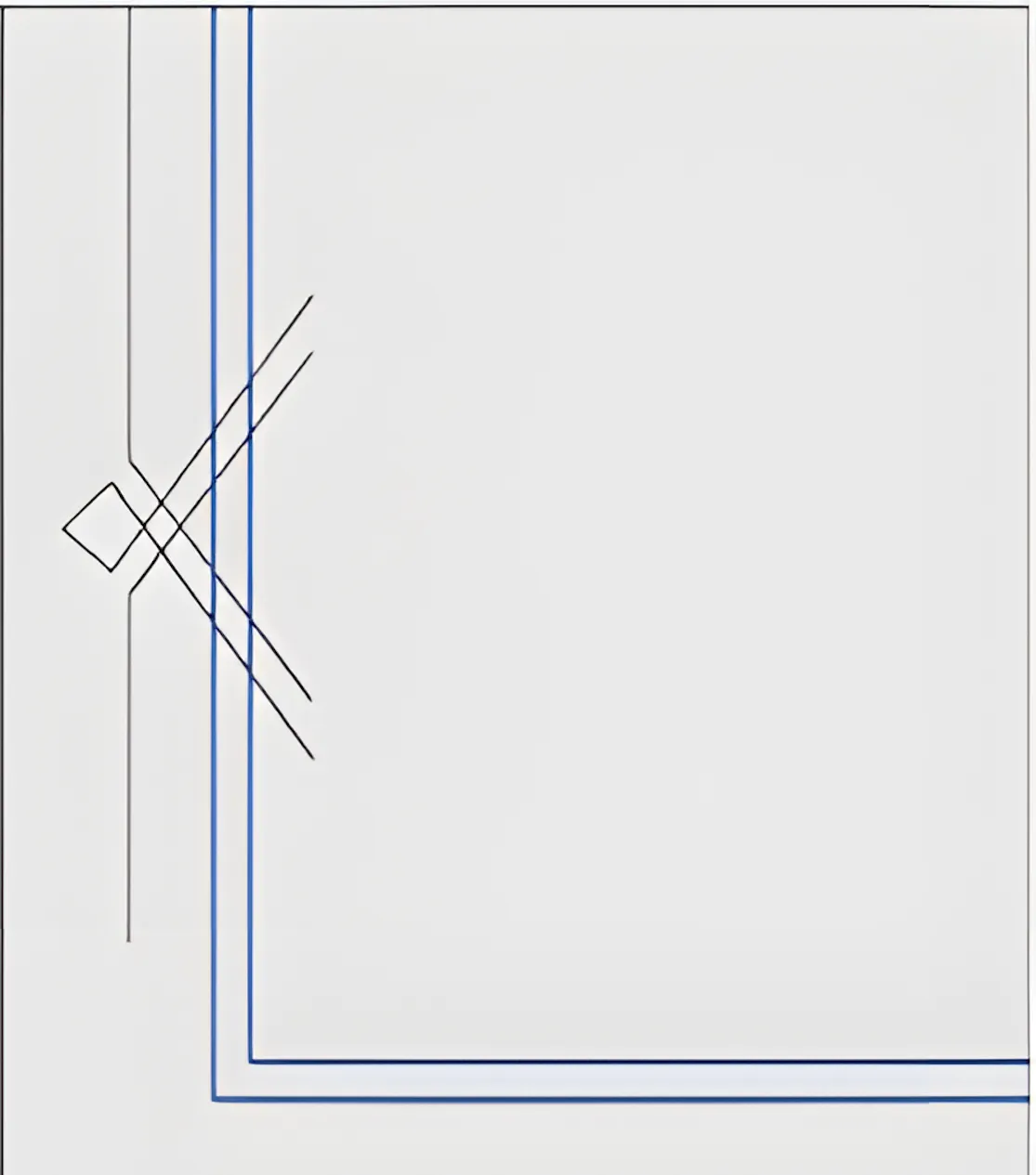
- The Fix: We never rely on just one single line to make a lasting impression. Instead, we program our sophisticated equipment to create sets of closely spaced parallel lines.
- The Magic Number: Through extensive testing in our workshop, we have found that spacing these lines approximately 0.08 inches apart yields the absolute best visual results. This precise spacing makes the debossed design appear intricate and prominent without overpowering the delicate art it surrounds.
- The Design: By using unconnected lines, we can craft a beautiful crossed corner look. This aesthetic feels simultaneously formal and modern. It provides a luxurious textural element that catches ambient light beautifully in any Chicagoland home, corporate office, or fine art gallery setting.
Faux Calligraphy with Pens
Do you want the classic look of fancy pen flourishes without needing to hire a master calligrapher? Modern custom framing technology allows our design team to achieve flawless ink details directly on the surface of the matboard. This adds an immediate sense of prestige and historical weight to the framing project.
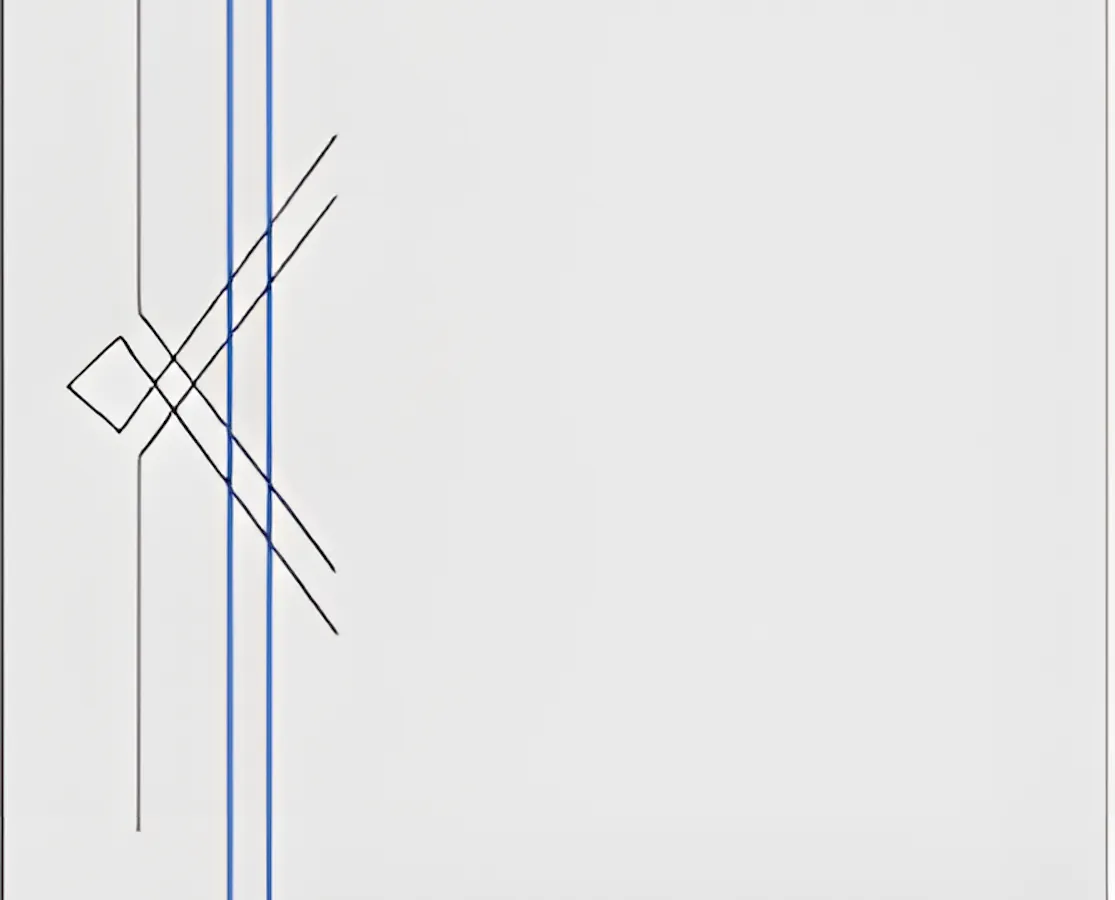
- The Hack: We utilize simple geometric shapes, such as straight lines and precise diamonds, to mimic traditional pen ornaments. By combining these basic elements, we build complex visual motifs that add a bespoke charm to diplomas, wedding invitations, certificates, and delicate historical documents.
- The Pro Move: Our professional framers draw lines that extend purposefully into the intended mat opening. When our computerized mat cutter trims the final central opening, it automatically slices the drawn lines perfectly at the inner bevel edge. This completely eliminates any messy stops and starts with the ink pen, resulting in a crisp and flawless finish that truly defines high end custom framing.
Captions That Stand Out
If your specific framing project requires adding text directly to a mat, treating the individual letters as line segments is a brilliant way to maintain a cohesive design language. This technique is especially popular for museum plaques, sports memorabilia, and personalized gift framing.
- The Style: We highly recommend using fonts created from single strokes for a remarkably clean and legible look. This deliberate approach prevents the text from appearing bulky or visually distracting next to your cherished items.
- The Frame Up: To elevate the presentation further, our designers add decorative lines extending out from the sides of the printed caption. This acts much like a fancy underline or a sophisticated structural divider. It ensures the text gets the immediate attention it deserves while blending seamlessly with the overall aesthetic of your custom frame.
The Perfect Balance of Craft and Technology
While these linear designs are an absolute breeze to execute in a modern computerized drawing program, you do not technically need a robotic cutter to achieve them. Because these concepts rely entirely on straight lines, adventurous and highly skilled traditional framers can pull this off manually. Using classic handheld tools like ruling pens, sharp pencils, or bone folders for manual debossing, a dedicated artisan can create the exact same sophisticated effects entirely by hand.
At The Picture Framing Group, our experienced team respects these historical traditional methods while fully embracing the incredible precision of modern framing technology. Our ownership and staff have built The Frame Shop on this exact balance of artistic craftsmanship and technical perfection. We know that the secret to impressive custom framing always lies in the smallest structural details.
The next time you are stuck on a framing design, stop thinking exclusively in circles or squares. Just think in lines. Whether you are visiting our Chicagoland locations for a simple frame update or a complex gallery wall, our expert framers are ready to use these proven techniques to bring your artwork to life. We invite you to bring your next project to our design table to see exactly how these simple linear elements can dramatically elevate your living or working space.